protégé

The student is the teacher.

Gloam is confused about your lesson. Your students explain it in their own words until it gets it. They learn by teaching, and you see exactly what they understand.

Free and open source. For Windows and Mac. Runs on one school computer, AI included, and nothing about your students ever leaves it.
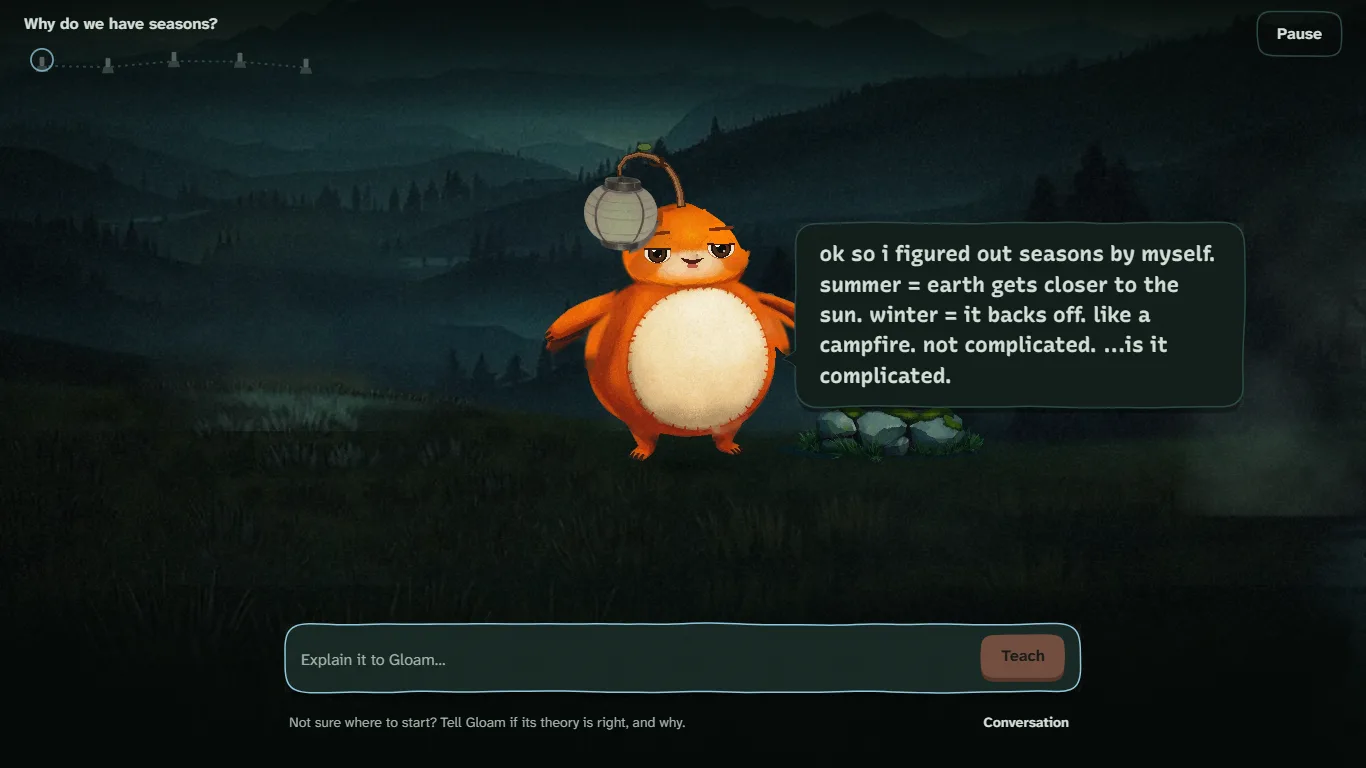
A student's screen: Gloam, an orange creature with a lantern, stands in a night valley. Its speech bubble says it figured out seasons: summer is when Earth gets closer to the sun. Below is a box to explain it to Gloam.

A lesson, from both sides

Nothing in Protégé looks like a test. Students win by explaining, and you get the clearest picture of their thinking you've ever had.

Before class

You bring your own lesson

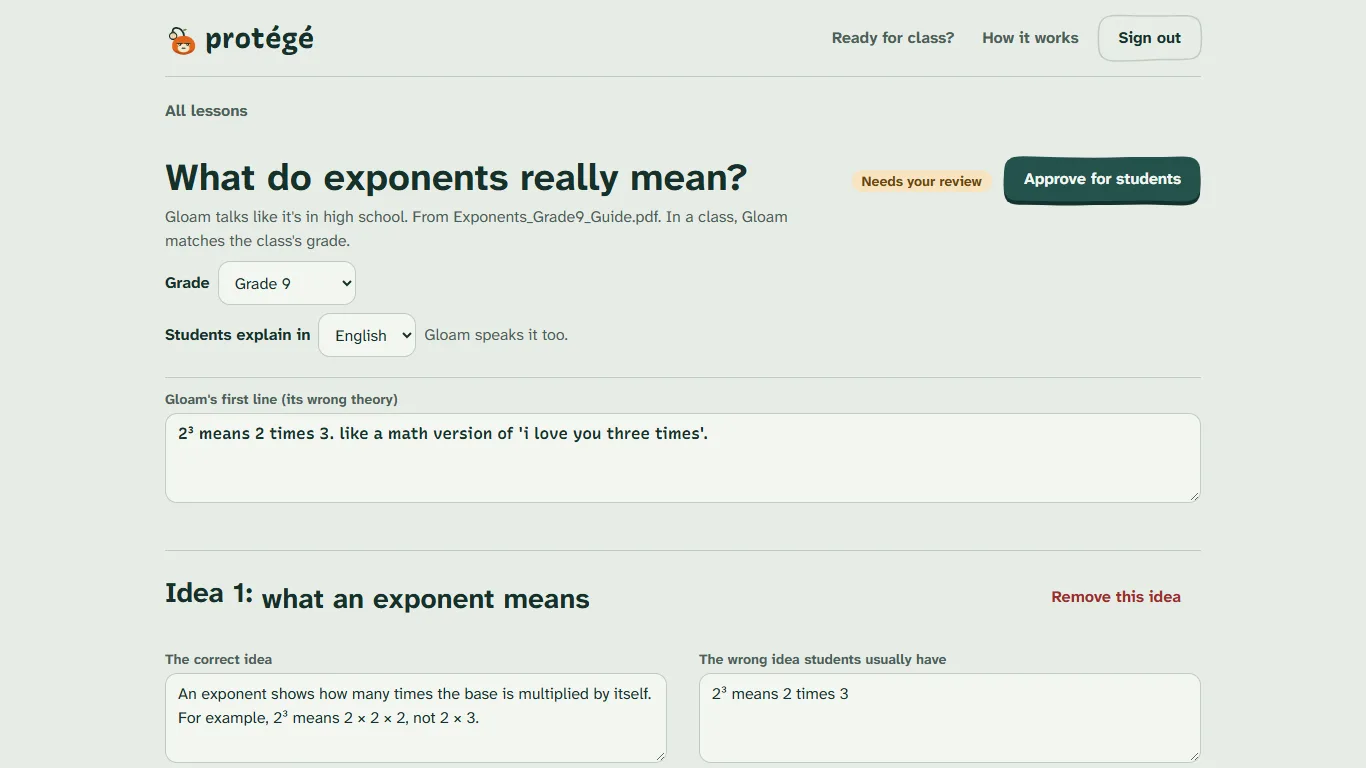
Upload your notes, slides or a Word file. Gloam drafts the lesson on your computer: the key ideas, the wrong ideas students usually have, and the questions it will ask. You read it, change anything, and approve it. Students only ever see what you approved.

The teacher's lesson page: the lesson title, its grade and language, and Gloam's wrong theory, ready to edit and approve.
Every lesson is yours to check and change.

In class

Students teach a confused, funny companion

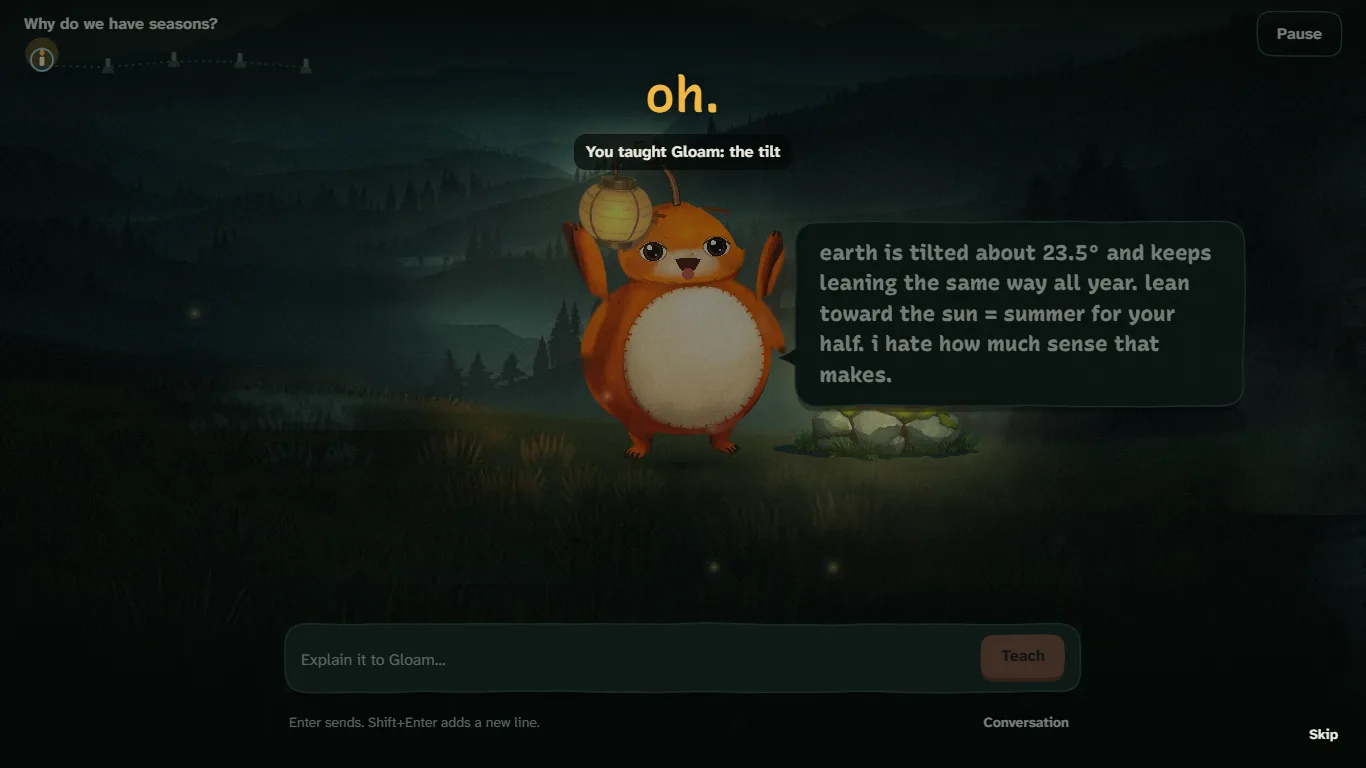
Gloam starts out confidently wrong. It asks questions, misunderstands in believable ways, and slowly gets it. Each idea it finally understands lights a candle on its journey. Gloam never gives the answer away. It's the one learning.

Gloam with its arms up and its lantern lit: 'oh. You taught Gloam: the tilt.'
When an idea clicks, Gloam's lantern lights up.

While they teach

You see what they understand

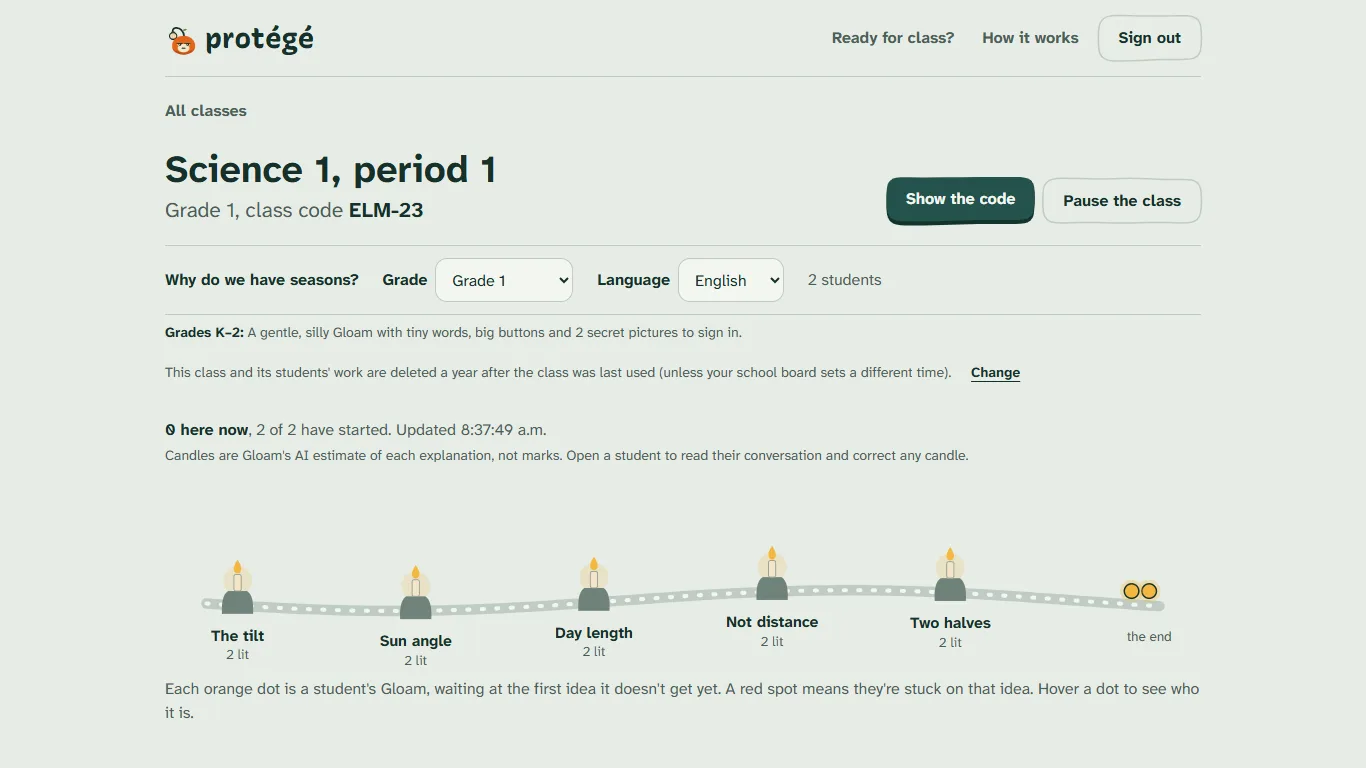
Each student's candles show which ideas they explained well and where they're stuck. "What the class thinks" shows the wrong ideas many students said out loud. Read any conversation, and correct any candle: the candles are Gloam's estimate, never a mark.

The teacher's class page: students' candles for each idea, and 'what the class thinks'.
No grading. Just what each student understands.

One idea, every grade

The class's grade picks the world, the words and the Gloam. A kindergartner and a grade 12 student both teach, but nothing feels too babyish or too hard.

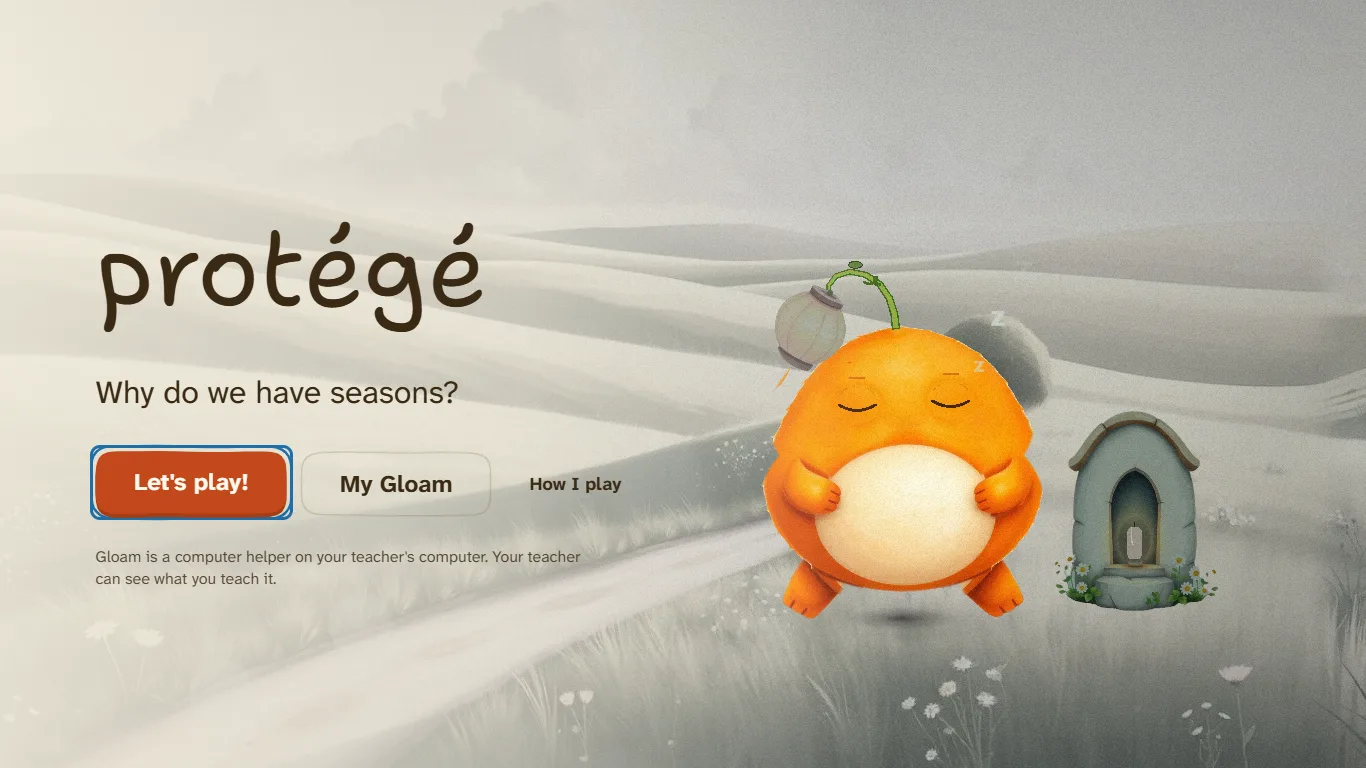
A sunny storybook meadow with a round, bright Gloam.
Kindergarten to grade 2A sunny meadow, tiny words, big buttons, and read-aloud and talking on from the start.
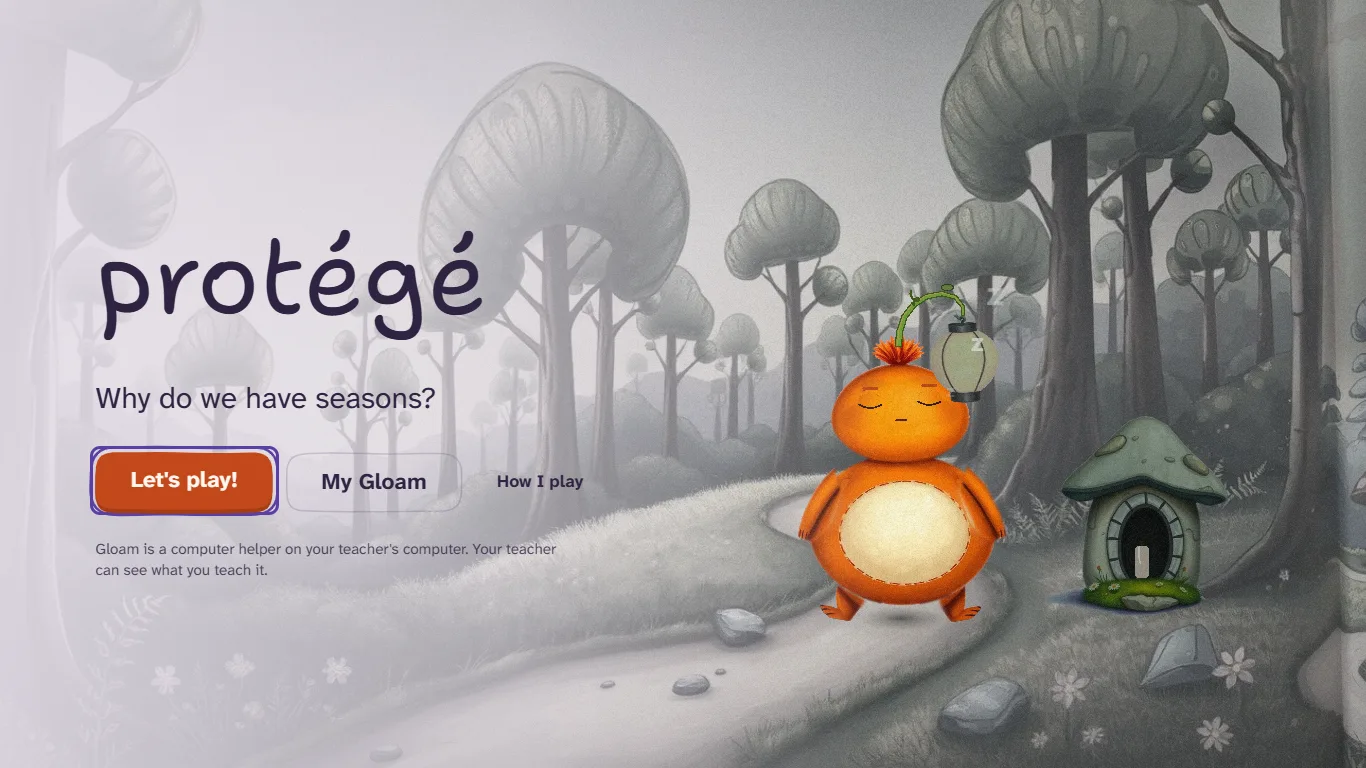
A storybook forest with mushroom houses and a playful Gloam.
Grades 3 to 5A mushroom forest and a cheeky, playful Gloam.
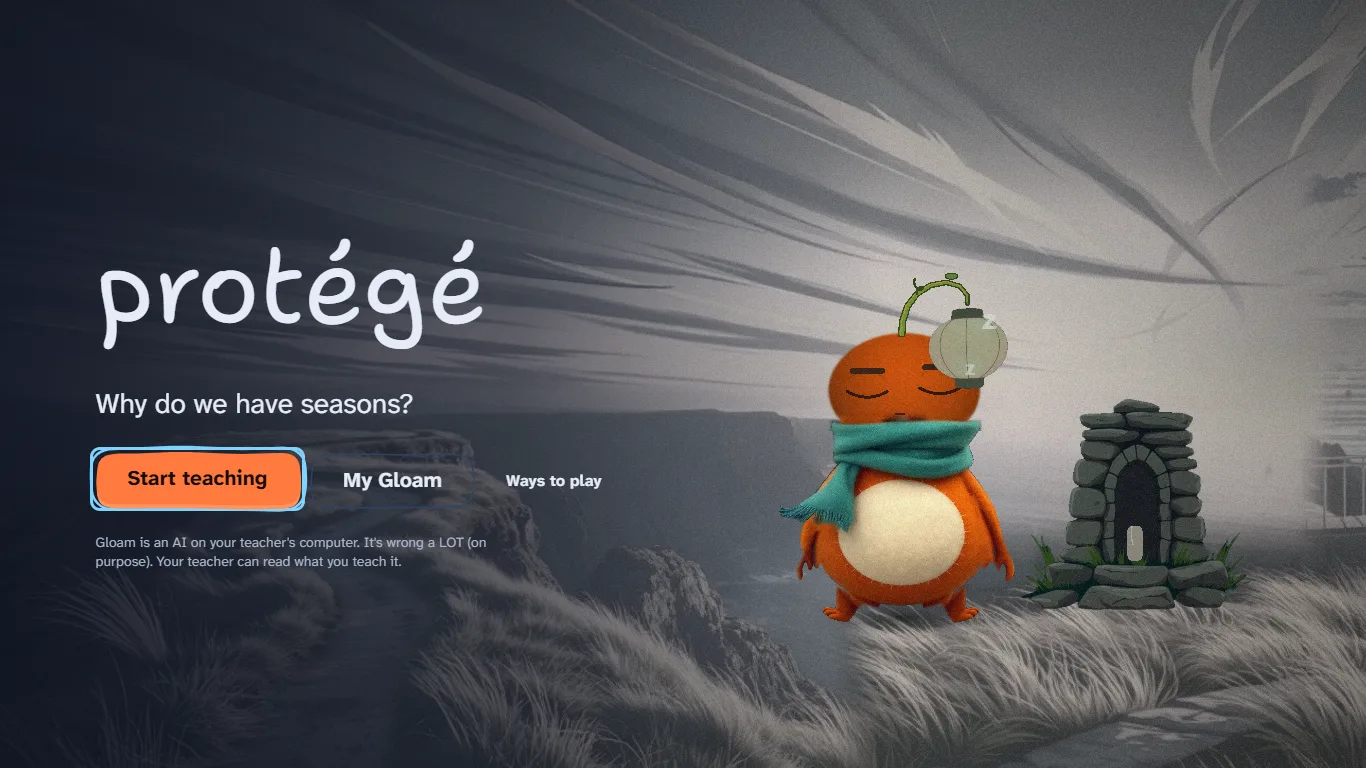
Windy sea cliffs at twilight with a dramatic Gloam in a scarf.
Grades 6 to 8Windy cliffs and a goofy, very dramatic Gloam.
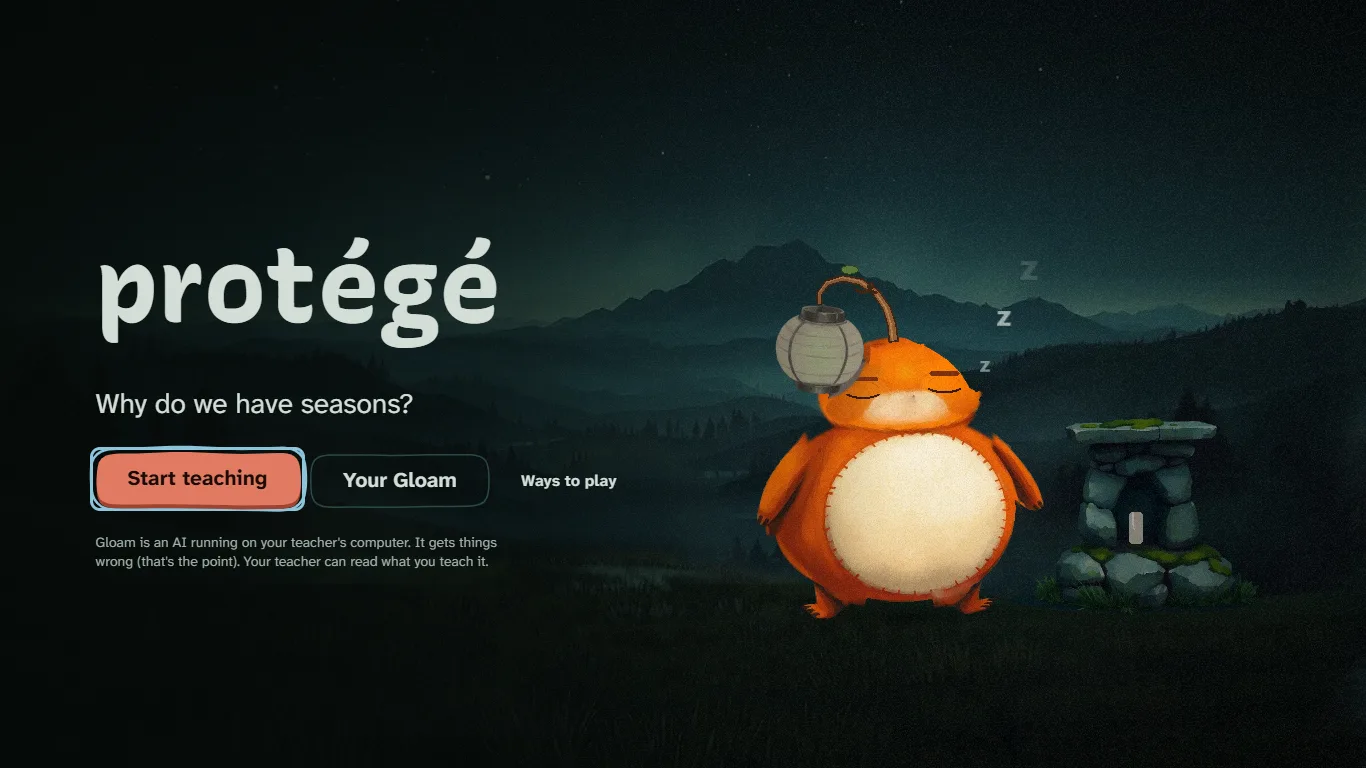
A moody night valley with a deadpan Gloam.
Grades 9 to 12A night valley and a dry, deadpan Gloam who hates being wrong.

Every student can play

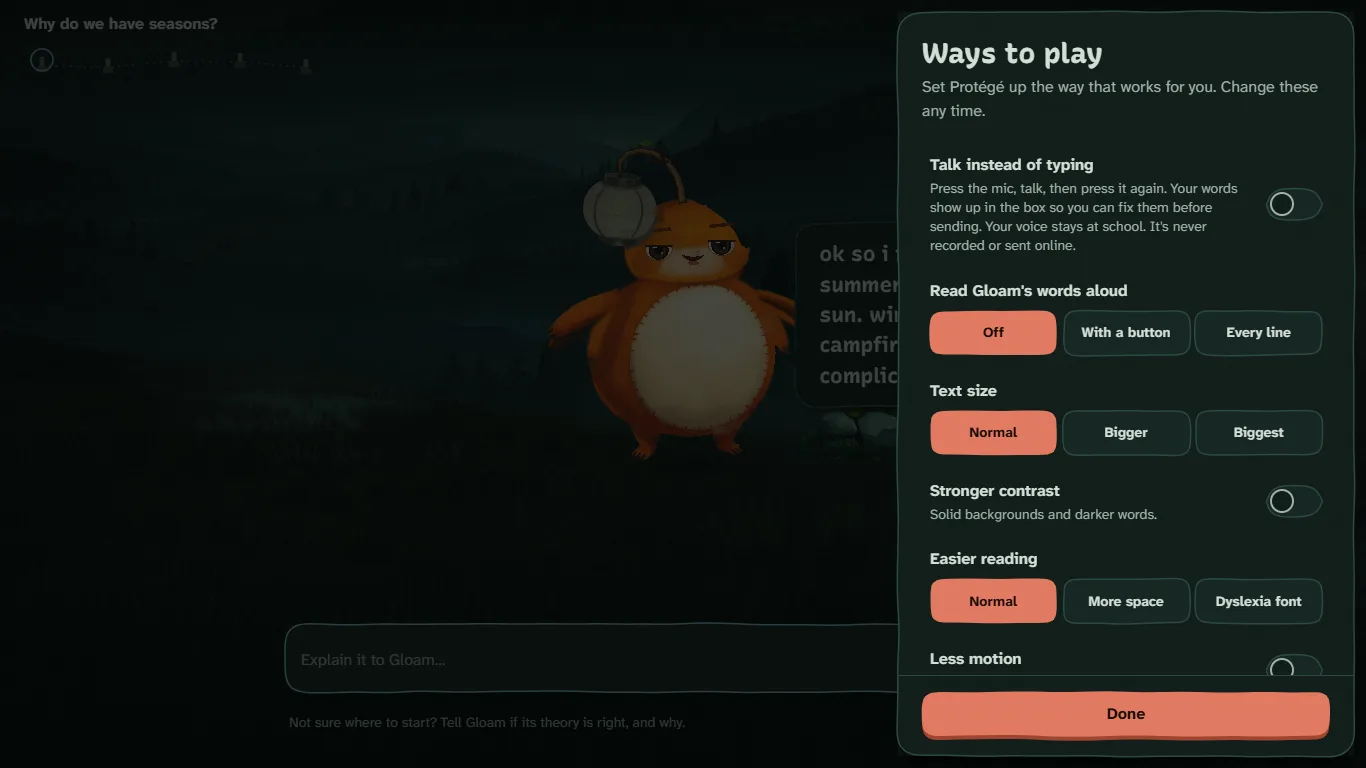
Every student screen has "Ways to play". The settings follow each student to any Chromebook, and teachers can switch them on as an accommodation.

  • Talk instead of typing. Their voice is turned into words on the school's computer and never saved.
  • Read aloud Gloam's words, the steps and the recap.
  • Bigger text, stronger contrast, more spacing or a dyslexia-friendly font, and less motion.
  • Every screen works with a keyboard alone and with screen readers, in English and French.
The 'Ways to play' panel: talk instead of typing, read Gloam's words aloud, text size, stronger contrast, easier reading, less motion, sound.

Private by design

Made for schools from the first line of code, starting with Ontario's privacy and accessibility laws.

For school boards

Everything a privacy officer, IT department or principal needs to say yes.